
Update your card
We charge one card on file. Change it any time from the portal. Nobody from our team will ever ask you to read a card number over the phone, by text, or by email.
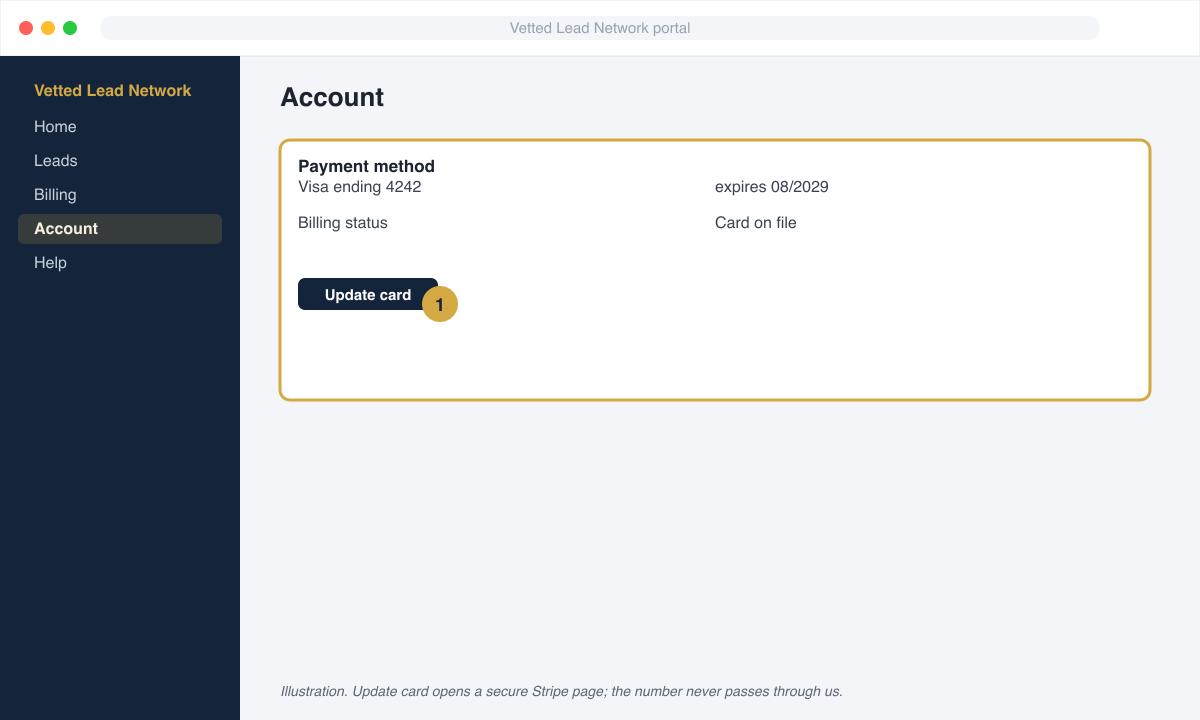
- Open Account in your portal.
- Under Payment method click Update card.
- A secure Stripe page opens. Enter the new card and click Save.
- You are returned to the portal. The last four digits update, and the new card is used from the next charge.
When a payment fails
Section titled “When a payment fails”- First failure. You get an email and a text with a secure link to pay the invoice. Leads keep flowing. We retry the card automatically after 24 hours.
- Second failure. Leads pause. The Account page shows Paused, payment. Someone from our billing team calls you the same day.
- Paying it. Open the invoice link from the email or from the portal’s Billing page and pay with any card. That card is saved for next time. Leads resume automatically after payment; nothing else to do.
Paying by bank transfer
Section titled “Paying by bank transfer”Where we offer ACH, bank payments carry no card processing fee. Ask your customer success manager from Book a call.